
Microsoft might add a Copilot guided tour to Windows 11 to help new users

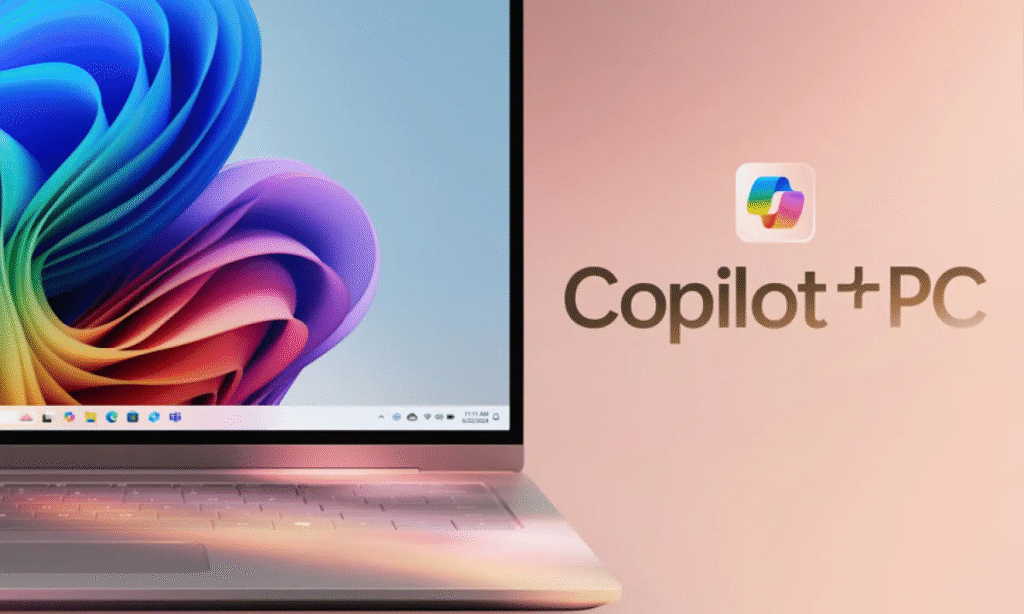
Microsoft might be introducing a guided tour feature in its Copilot app for Windows 11, which would help users get started more easily, as reported by TechRadar. The six-step guide shows up at the top of the app for quick access, and it was first noticed by Windows leaker @PhantomOfEarth. Microsoft hasn’t officially announced the feature yet, and it’s still unknown which Insider build it might be linked to—if any.
If you’re curious to check out the guided tour, the prompt to begin it appears right above the Copilot panel. Right now, the guide moves at a fairly quick pace. The first step introduces the prompt box, where users can type or speak their requests—this is the primary way to interact with Microsoft’s AI assistant. The third step walks you through the upload button, letting you add documents, images, and other files for Copilot to analyze. The pop-up also mentions that Copilot can summarize, rewrite, or edit compatible content.
The fifth step covers Quick View mode, a feature that shrinks Copilot into a smaller window, making multitasking across open apps smoother. This could be especially handy for Windows users who want to keep the AI assistant accessible while working in other parts of Windows 11. To navigate through the guide, just click the “Next” button at the bottom right of each pop-up step.
Related:
- Microsoft Edge Canary’s new tab page swaps MSN for Copilot
- Exclusive: Copilot’s native Spanish support is a ‘game changer,’ says Microsoft expert
- Copilot is Microsoft’s chance to redeem Windows and pull ahead of macOS
If Microsoft rolls out the Copilot guided tour to all users, it could make the AI assistant much more approachable. It’s a small but helpful addition, especially for newcomers who might find Copilot a bit confusing at first. Microsoft already provides resources like the Get Help app, which guides users through troubleshooting steps or answers their questions. There’s also Agentic AI, which enables Copilot to handle multi-step tasks for you. While these tools won’t fix every issue, it’s great to see Microsoft working on making Windows 11 easier to learn.

Related Posts

Key ChatGPT and Gemini features compared. Who did it better?
I tested the Asus ZenBook A14 and now can’t imagine using any other Windows laptop